With the rising cost of electronics (and cost of living), refurbished laptops and desktops seem like a smart, budget-friendly option. And often, they are.
Buying refurbished gear, whether through certified sellers or marketplaces, can save you a bunch while still giving you solid performance.
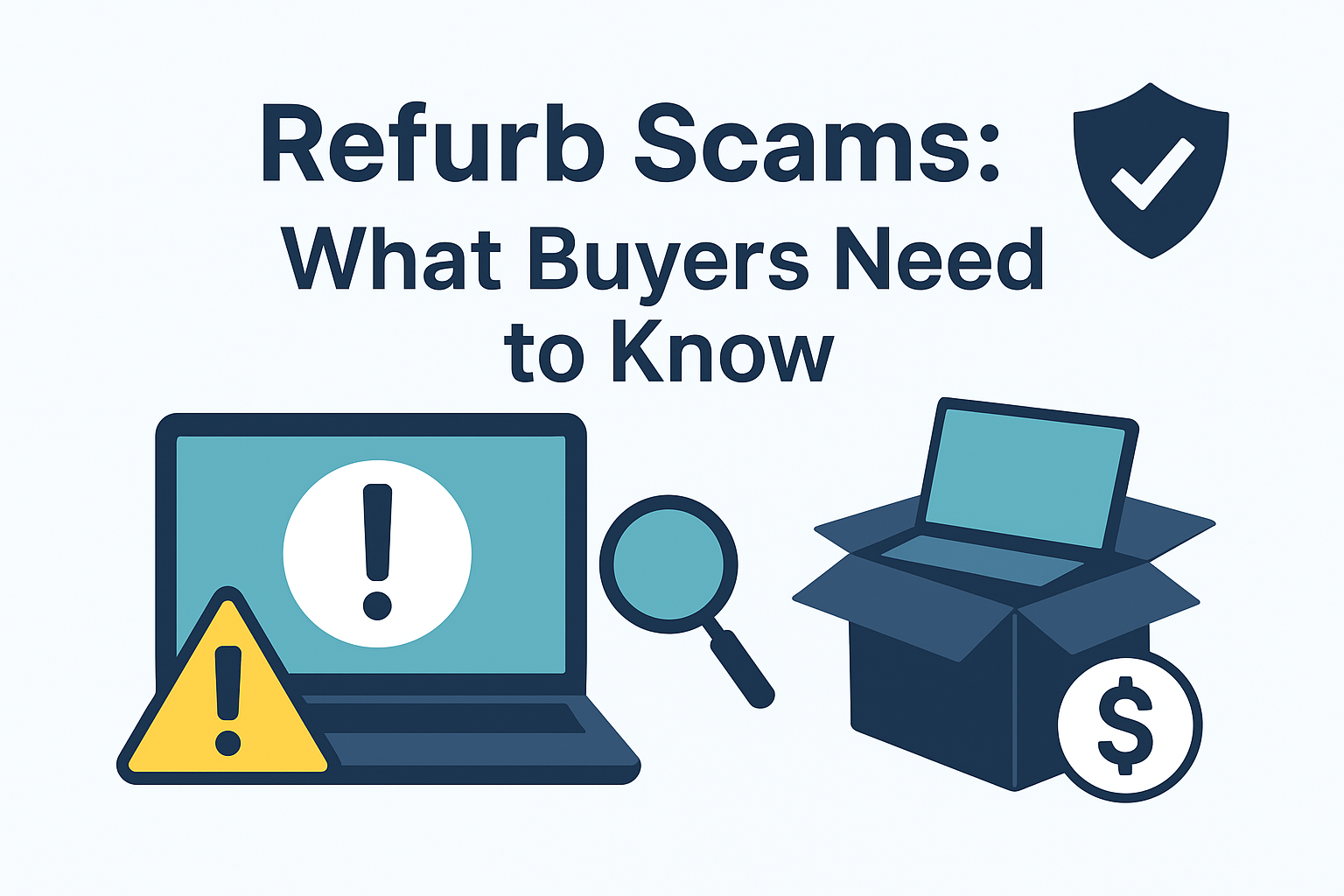
But not all ‘refurbs’ are created equal. Scammers have found creative ways to pass off compromised, poorly repaired, or even stolen devices as legitimate refurbished products.
So before you click ‘Buy Now’ on that discounted MacBook or gaming PC, here’s what you need to know.
What Is a Refurb Scam?
A refurb scam involves selling a used or tampered device as if it’s been properly restored to like-new condition. In some cases, the device may not even work properly.
In worst-case scenarios, it might still contain malware or tracking software from previous users or even cybercriminals.
In addition to being robbed of your money, your personal information is at greater risk when it comes to refurbs.
Used devices that haven’t been properly wiped can still contain the previous owner’s data – or worse, have backdoors installed.
In fact, over 90% of second-hand hard drives, memory cards, and laptops contain recoverable personal data like photos, financial documents, and even saved passwords.
You might be giving your login information to someone who is watching in the background once you log into your bank account, cloud storage, or email.
How to Identify a Safe Refurbished Device
Here’s what to look for when you are looking for a legitimate refurbished product:
Buy from certified or trusted sellers: Stick with the brand’s refurbishment programs (like Apple Certified Refurbished or Dell Outlet) or big retailers that have a return policy if the purchase doesn’t work out.
Check for warranty and return policies: Avoid sellers offering fewer than 30 days for returns.
Check the operating system (OS): Make sure the operating system is properly installed and activated. A disreputable Windows key or out-of-date OS version is usually a sign that the system was compromised.
Check hardware: Ensure that ports function properly, batteries hold a charge, and the hardware specifications match the advertised ones.
Stay Safe When Using Refurbished Devices
Even with the most trusted source, it’s smart to treat any refurbished device as a potential risk, at least at first. Here are some key steps to stay secure:
1. Perform a Full Factory Reset
Even if the seller says it’s been wiped, do it yourself to be certain. This ensures no lingering user profiles, cached data, or hidden software remains. It also gives you full control over what’s installed from the very start.
2. Reinstall the Operating System
A clean install ensures no leftover files, tracking tools, or malware are hiding in the system.
Download the OS directly from the official source to avoid tampered versions. Make sure to install the latest security updates and drivers before using the device regularly.
3. Use a VPN for Sensitive Activity
Before logging into personal accounts, like your email, cloud storage, or online banking, it’s a good idea to use a VPN.
This helps encrypt your data, especially if you’re unsure of the device’s security or you’re using public Wi-Fi. You can find more information about doing this to protect your browsing and reduce the risk of exposure on compromised machines.
4. Change All Passwords
If you’ve ever used your credentials on a machine you suspect might be unsafe, change them immediately.
Prioritise logins for banking, email, and cloud services first, as they pose the greatest risk. Regularly updating your passwords – regardless of the device – also strengthens long-term account security.
Final Thoughts
Refurbished tech is a great way to save money and reduce electronic waste as long as you know what to look for.
Refurb scams are real, and falling for one could cost more than money – it could put your personal data at serious risk.
Always buy from trusted sources, reset and reinstall your system, and protect your activity online using secure tools like a VPN. A little caution goes a long way when it comes to second-hand tech.
In the UK, demand for weight-loss injection pens like Mounjaro and Wegovy has surged dramatically. Pharmacies are now selling around 40,000 pens of both brands…
By Majorie Chiew PETALING JAYA: Singapore model-turned-writer Bonny Hicks, whose book Excuse Me, Are You A Model? caused a stir in the straight-laced republic, is quitting…
The environmental footprint of our devices, platforms, and servers is gaining serious attention. Today, the lifecycle of electronic products and their byproducts raises important sustainability…
By Yvonne Lim BEACHES on Singapore island are being turned into dumping grounds, a recent two-week check by The Straits Times showed. The culprits: Picnickers…
The gaming community is growing rapidly, and with it comes the responsibility to manage electronic waste effectively. As technology evolves, gamers must adopt sustainable practices…
Competitive multiplayer games like CS and Valorant offer intense, rewarding experiences. These tactical shooters pit teams against each other in high-stakes matches. Success requires skill,…
We use cookies on our website to give you the most relevant experience by remembering your preferences and repeat visits. By clicking “Accept”, you consent to the use of ALL the cookies.
This website uses cookies to improve your experience while you navigate through the website. Out of these cookies, the cookies that are categorized as necessary are stored on your browser as they are essential for the working of basic functionalities of the website. We also use third-party cookies that help us analyze and understand how you use this website. These cookies will be stored in your browser only with your consent. You also have the option to opt-out of these cookies. But opting out of some of these cookies may have an effect on your browsing experience.
Necessary cookies are absolutely essential for the website to function properly. This category only includes cookies that ensures basic functionalities and security features of the website. These cookies do not store any personal information.
Any cookies that may not be particularly necessary for the website to function and is used specifically to collect user personal data via analytics, ads, other embedded contents are termed as non-necessary cookies. It is mandatory to procure user consent prior to running these cookies on your website.
We use cookies to ensure that we give you the best experience on our website. If you continue to use this site we will assume that you are happy with it.