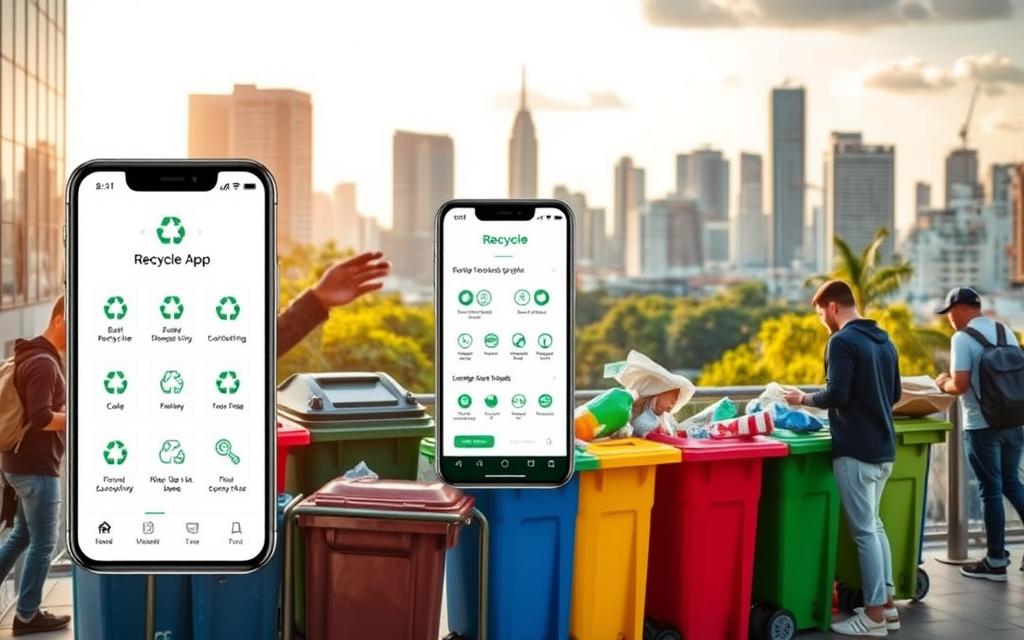
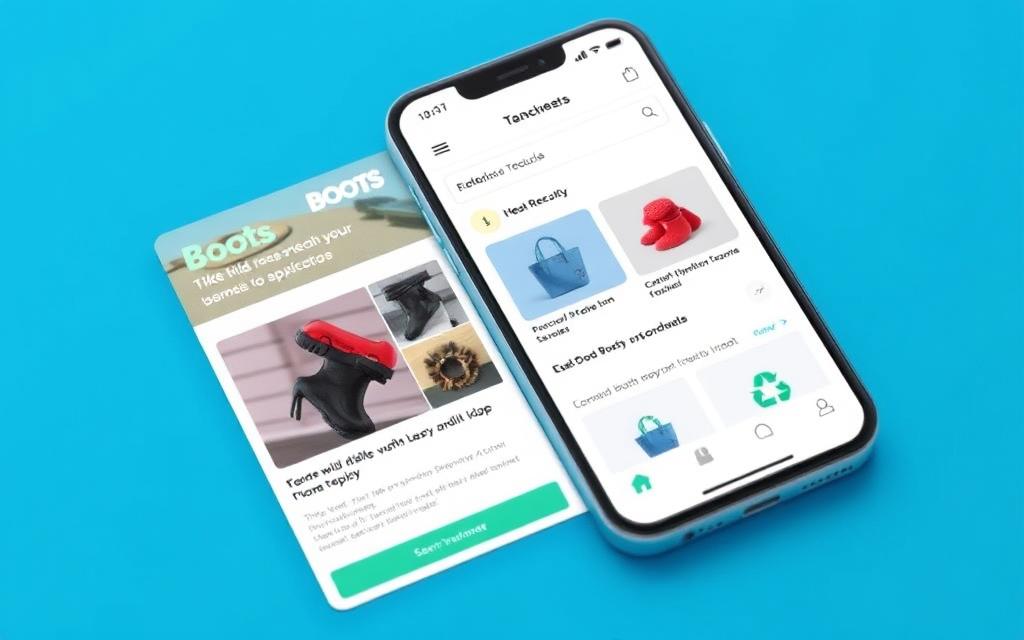
Embracing a sustainable lifestyle has never been more straightforward, thanks to innovative solutions like the Boots Recycle App. This groundbreaking program is designed for environmentally conscious consumers who want to reduce waste and earn rewards simultaneously.
The recycling scheme transforms the way customers interact with beauty and skincare products, making it more accessible and user-friendly. By scanning empty products, depositing them at participating stores, and earning Boots Advantage Card points, customers can contribute to a more sustainable future.
This initiative is part of a broader commitment to reducing plastic waste in the beauty industry. The program accepts hard-to-recycle items, making it a valuable tool for those looking to live more sustainably. By downloading the app, customers can start making a positive impact on the environment while earning rewards.
As part of its commitment to sustainability, Boots has introduced the Boots Recycle Program, a scheme that rewards customers for recycling their empty beauty products. This initiative is designed to make recycling easier and more rewarding, encouraging customers to adopt more eco-friendly practices.
The Boots Recycling Scheme is a program that incentivizes customers to recycle their used beauty and skincare product packaging. The process is straightforward: customers collect empty products, scan them using the Boots Recycle App, and deposit them at participating Boots stores. This scheme is part of Boots’ broader sustainability initiatives, aimed at reducing plastic waste and promoting a more circular economy.
The program has evolved from a website-based system to a more user-friendly mobile app, making it easier for customers to participate and track their progress.
Benefits of Using the Boots Recycle App
By using the Boots Recycle App, customers can earn rewards and contribute to a more sustainable environment. After recycling five qualifying items and making a £10+ purchase in-store, customers receive 500 points (worth £5) on their Boots Advantage Card. This reward structure encourages customers to continue recycling and supports Boots’ commitment to reducing waste.
The app is accessible to anyone with a Boots Advantage Card, which is free to join. By participating in the scheme, customers not only earn rewards but also help divert hard-to-recycle beauty packaging from landfills, contributing to a more sustainable future.
Getting Started with the Boots Recycle App
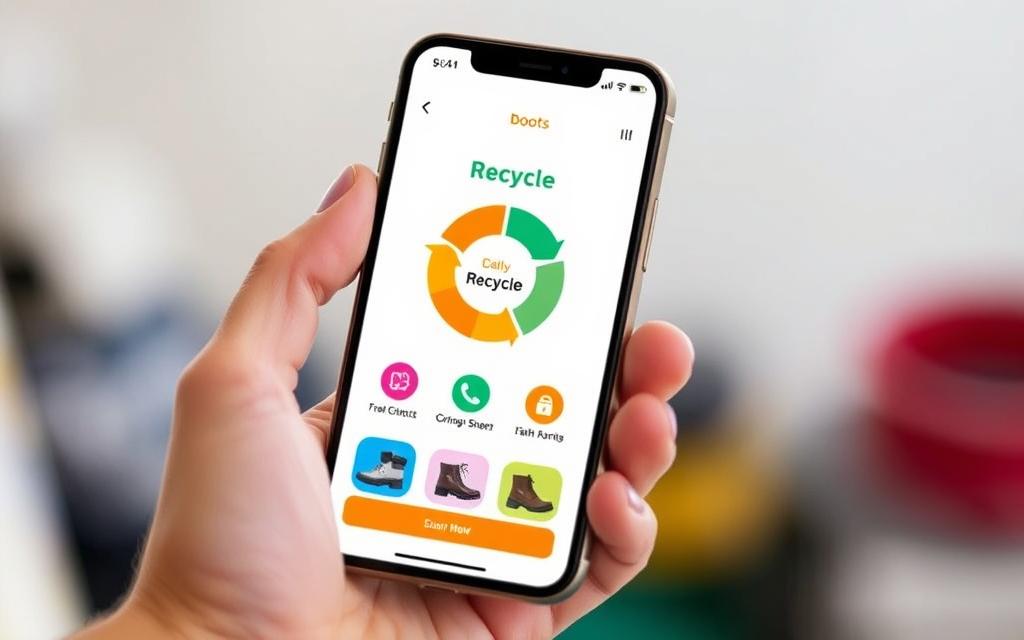
Embracing a greener lifestyle is easy with the Boots Recycle App, and it all begins with a simple download. The process is designed to be user-friendly, ensuring that you can quickly start recycling your beauty and skincare products.
To download the Boots Recycle App, navigate to either the Apple App Store or Google Play Store on your phone. Search for “Boots Recycle App” and follow the prompts to install it. Once installed, open the app and sign up for an account by providing some basic information such as your name and email address. Creating a secure login is crucial, so choose a password that is both unique and memorable to you.
The account creation process is straightforward and requires minimal information, making it easy to get started. If you’ve previously used the Scan2 Recycle website, you can use the same login credentials for the app, simplifying the transition.
Linking Your Boots Advantage Card
To fully benefit from the Boots Recycle App, linking your Boots Advantage Card is a key step. This link allows you to earn points and rewards for recycling your beauty products. To link your card, navigate to the app’s settings, select “Link Boots Advantage Card,” and enter your card details. This process is simple and ensures that your recycling efforts are rewarded.
By linking your Boots Advantage Card, you not only earn rewards but also contribute to a more sustainable beauty routine. The app will guide you through the process, making it easy to link your card and start enjoying the benefits.
How to Scan and Submit Your Recyclable Items
Scanning and submitting recyclable items is a straightforward process when using the Boots Recycle App, and here’s how to do it. To start, you’ll need to download and install the app, then follow the in-app instructions to link your Boots Advantage Card. For more detailed information on getting started, you can refer to our previous section on how to use the Boots Scan-2-Recycle.
Taking Clear Photos of Your Empties
To scan your empty product containers, you’ll need to take clear, well-lit photos using your phone. Make sure the front label of the product is visible, showing the brand name and product name. This is crucial for proper identification. For example, if you’re recycling an empty toothpaste tube, ensure the brand and product name are clearly visible in the photo.
When taking photos of multiple identical items, you can either photograph them together or submit them one by one. If you choose to photograph them together, place the additional items behind the primary product, ensuring they are visible but not obstructing the front label.
Selecting Product Details and Categories
After taking the photo, you’ll need to fill in the product details. Select the correct brand, product type, and packaging material from the dropdown menus provided in the app. For instance, if you’ve photographed a toothpaste tube, you would select “oral care” as the product type and “tube” as the packaging material.
The approval process typically takes 24-48 hours on weekdays. Once your items are approved, you can proceed to deposit them at a participating Boots store. If any items are rejected, you can review the reasons for rejection and decide whether to resubmit or dispose of them through other means.
What Items Can You Recycle Through the Boots App?
The Boots Recycle App allows users to recycle a wide range of beauty and skincare products, making it easier to live more sustainably. This scheme is designed to reduce waste by encouraging customers to recycle their used products.
Accepted Beauty and Skincare Products
The Boots Recycle scheme accepts a variety of beauty and skincare packaging, including hard-to-recycle items. Some examples of accepted products include:
Mixed plastics
Pump dispensers
Droppers
Sheet mask packets
Empty toothpaste tubes
Hand sanitizer bottles
The program accepts products from brands sold at Boots, as well as recognizable brands from other retailers, such as Superdrug and Holland & Barrett. This means that even if you purchased a product from another store, you can still recycle it through the Boots Recycle App.
Items That Cannot Be Recycled Through the Program
While the Boots Recycle scheme is comprehensive, there are some items that cannot be recycled through the program. These include:
Aerosols
Medicines
Perfumes
Nail polish
These items are excluded because they are either hazardous or cannot be recycled. Additionally, items that can be easily recycled through standard home recycling programs may be rejected by the Boots system.
By focusing on items that are not easily recyclable at home, the Boots Recycle scheme complements existing recycling efforts and helps divert beauty packaging waste from landfills, contributing to a more circular economy for plastic packaging.
Depositing Your Recyclables at Boots Stores
After your recyclable items have been approved, the next step is to deposit them at a participating Boots store. This process is straightforward and is facilitated through the Boots Recycle app.
Finding Participating Stores
The Boots Recycle app makes it easy to find stores that participate in the recycling scheme. By using the store locator feature, you can identify the nearest store with a recycling bin. This feature not only saves time but also ensures that you’re heading to a store that can accept your recyclables.
The Deposit Process Step-by-Step
Depositing your recyclables is a simple process. First, open the Boots Recycle app and tap “Deposit.” The app will verify your location and prompt you to scan the QR code on the recycling bin. Once the code is scanned, select the items you’re depositing. This step confirms that you’re recycling through the program, and you’ll receive a reward voucher for your efforts.
Troubleshooting Common Deposit Issues
While the deposit process is generally smooth, some users may encounter issues, such as difficulty scanning the QR code on the recycling bin. If this happens, try adjusting your phone’s position or moving it back and forth over the code. Additionally, be aware that the location of recycling bins within stores can vary; they are often found near the tills or No7 counters.
Issue
Solution
Difficulty scanning QR code
Adjust phone position or move back and forth over the code
Recycling bin not found
Check near tills or No7 counters, or ask store staff for assistance
App verification failure
Ensure location services are enabled and try again
Redeeming Your Rewards and Maximizing Benefits
To make the most of the Boots Recycle App, understanding how to redeem your rewards is crucial. The process is designed to be straightforward, allowing you to enjoy the benefits of your recycling efforts.
How to Use Your £5 Reward Voucher
When you’ve accumulated enough points, you’ll receive a £5 reward voucher. To use it, you must spend £10 or more at a Boots store and activate the voucher at the till when you’re ready to pay. It’s essential to note that the voucher expires 30 minutes after activation, so timing is crucial. If you don’t activate it immediately, you still have a couple of days to use it, providing flexibility in planning your shopping.
Once you’ve used the voucher, the £5 will be added to your Boots Advantage Card balance. These points can be saved and combined with other rewards, allowing you to accumulate significant savings over time.
Strategies to Get the Most Value
To maximize your rewards, consider the following strategies:
Aim to spend just over the £10 minimum requirement to get the most value from your £5 voucher.
Stack your recycling rewards with other Boots promotions and Advantage Card offers for greater savings.
Save up your points for future larger purchases rather than using them immediately.
Plan your shopping trips to coincide with when you have recycling rewards available, and take advantage of special promotions.
Strategy
Benefit
Spend just over £10
Maximize voucher value
Stack rewards
Increase overall savings
Save points for later
Accumulate for larger purchases
By understanding how to redeem your rewards and implementing these strategies, you can make the most of the Boots Recycle App and enjoy significant benefits.
Conclusion: Making Sustainable Living Part of Your Routine
The Boots Recycle App offers a simple yet effective way to make sustainable living a habit, providing both environmental and financial benefits. By using the app to recycle your beauty and skincare product packaging, you contribute to reducing plastic waste and earn points redeemable for rewards.
Incorporating the Boots Recycle App into your regular shopping routine can significantly impact the environment. For instance, recycling just a few toothpaste tubes or skincare product containers can prevent a substantial amount of plastic from ending up in landfills or oceans. As more users join the program, the collective effort can lead to a considerable reduction in plastic waste.
To maximize the benefits, consider adopting complementary sustainable practices, such as choosing products with minimal or refillable packaging. Spreading awareness about the Boots Recycle App to friends and family can also amplify its environmental impact. By making these small changes to your daily routine, you can contribute to a larger movement towards sustainability.
Boots is committed to enhancing its sustainability initiatives, and the recycling program is just one step. By downloading the Boots Recycle App today, you can start making a difference and earning rewards along the way. Join the journey towards a more sustainable future, one recyclable item at a time.
FAQ
What types of products are accepted in the recycling scheme?
The recycling program accepts various beauty and skincare products, including toothpaste tubes and other empties from participating brands.
How do I link my loyalty card to the recycling program?
To link your Advantage Card, simply log in to your account, navigate to the settings, and follow the prompts to connect your card, allowing you to earn points and rewards.
What is the process for depositing recyclables at stores?
To deposit your recyclables, find a participating store, scan the items using the recycling program, and follow the on-screen instructions to complete the deposit process.
How do I get a £5 reward voucher?
Once you’ve accumulated enough points, you can redeem a £5 reward voucher, which can be used towards your next purchase at participating stores.
What happens if I encounter issues during the deposit process?
If you experience any issues, refer to the troubleshooting guide or contact customer support for assistance with resolving common deposit issues.
Can I recycle items from any brand?
While the program accepts products from various brands, not all items are eligible; check the program’s guidelines for a list of accepted products and categories.
How do I ensure my photos of empties are clear and usable?
To take clear photos, make sure the empties are clean and well-lit, and follow the on-screen instructions for capturing clear images that can be successfully scanned.
Recycling at Tesco is now straightforward with tailored drop-off points. These are found in nearly 200 stores across the UK. They accept soft plastics, which…
It’s important to dispose of used ink cartridges responsibly to protect the environment. Every year, over 1.3 billion ink cartridges are used worldwide. Sadly, only…
Styrofoam is everywhere in packaging and disposable items because it’s cheap and versatile. But, it’s bad for the environment. Recycling Styrofoam is hard and often…
Recycling is key to managing waste and protecting our environment. As a responsible citizen, knowing what can be recycled is crucial. This guide will show…
We use cookies on our website to give you the most relevant experience by remembering your preferences and repeat visits. By clicking “Accept”, you consent to the use of ALL the cookies.
This website uses cookies to improve your experience while you navigate through the website. Out of these cookies, the cookies that are categorized as necessary are stored on your browser as they are essential for the working of basic functionalities of the website. We also use third-party cookies that help us analyze and understand how you use this website. These cookies will be stored in your browser only with your consent. You also have the option to opt-out of these cookies. But opting out of some of these cookies may have an effect on your browsing experience.
Necessary cookies are absolutely essential for the website to function properly. This category only includes cookies that ensures basic functionalities and security features of the website. These cookies do not store any personal information.
Any cookies that may not be particularly necessary for the website to function and is used specifically to collect user personal data via analytics, ads, other embedded contents are termed as non-necessary cookies. It is mandatory to procure user consent prior to running these cookies on your website.
We use cookies to ensure that we give you the best experience on our website. If you continue to use this site we will assume that you are happy with it.